Choose a starting point.
Topics and dates help someone begin with a familiar interest or the time they have available.

Find something worth showing up for.
MatchBook brings Kauaʻi’s events and community groups into one place. People can browse by interest or date, save possibilities, join groups, and see them in a personal agenda. I’m building this free, not-for-profit project to help people find something they would like to make room for in their week.
A community project for Kauaʻi residents and visitors, built around what is happening here.
A free place to explore events and groups, with no subscription required.
A familiar interest, a new place, or a reason to try something you have been meaning to do.
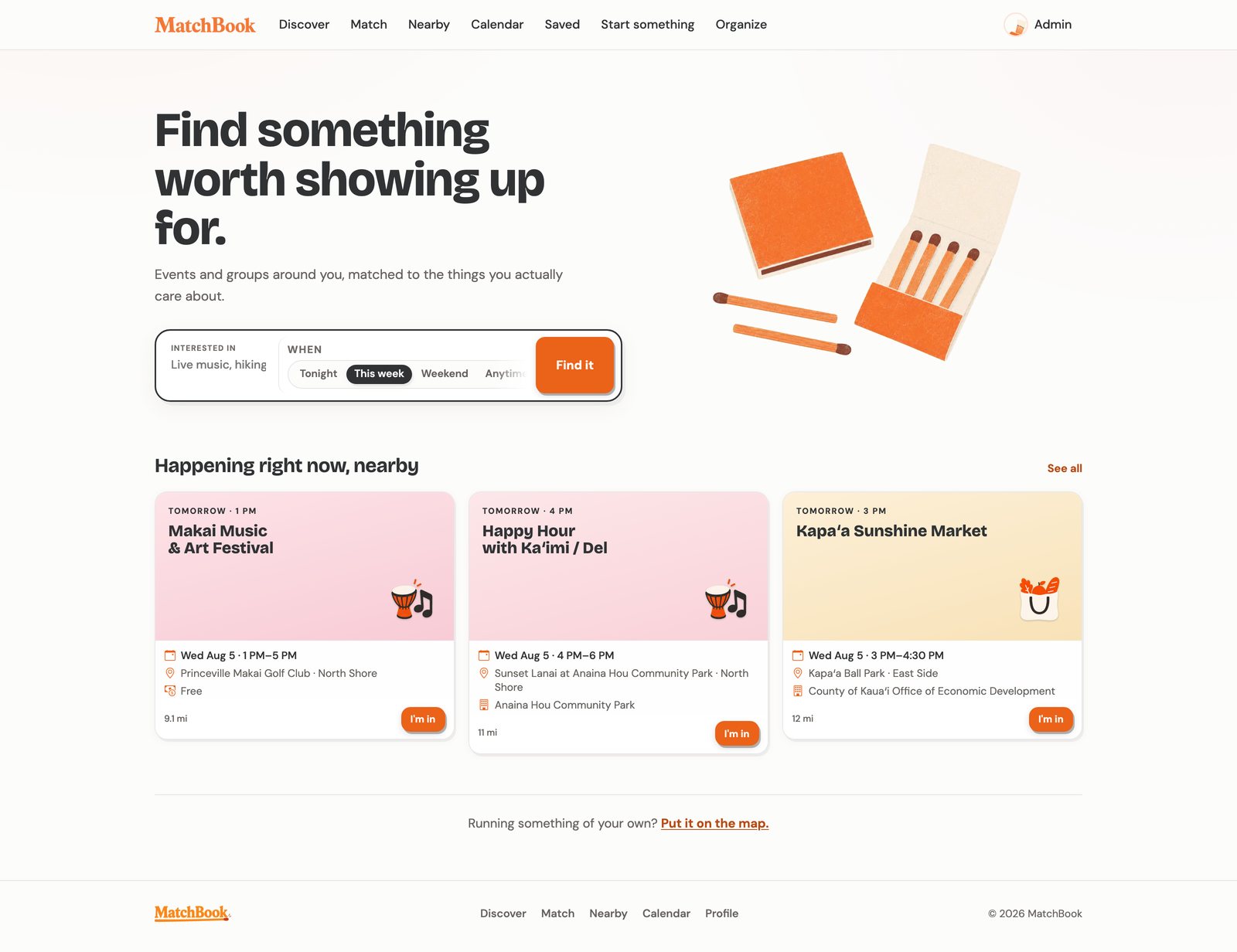 Development build · Kauaʻi event listings
Start with an interest and the time you have available. The screenshots show the development build and its working dataset.
An event can be open to everyone and still be easy to miss. A library posts on one page, a community group keeps a separate calendar, and a flyer disappears into a social feed. Finding something to do means knowing which sources to check and remembering what each announced.
Kauaʻi already has people organizing, teaching, performing, and bringing others together. MatchBook’s job is to make more of that work visible to someone who might be glad to find it.
A listing also needs enough context to help someone choose. Topic and date filters narrow the possibilities. Event details explain the time, place, cost, and any registration instructions available from the source. Saving and the agenda give a person room to consider a plan.
The questionWhat would make someone pause and think, “I’d like to go to that”?
Topics and dates help someone begin with a familiar interest or the time they have available.
Saving an event keeps it within reach while someone checks the date, asks a friend, or decides how to spend the weekend.
Time, place, cost, and registration details stay close to the invitation wherever the source provides them.
Saving an event keeps it in the agenda for later consideration. Joining a group in MatchBook brings in its events and recurring meetings. Organizer registration remains a separate step.
Discover and Match offer different ways to explore the same listings. The calendar shows what is available by date; the agenda brings together the events and groups a person has chosen to keep. Select a screenshot to view it at full size.
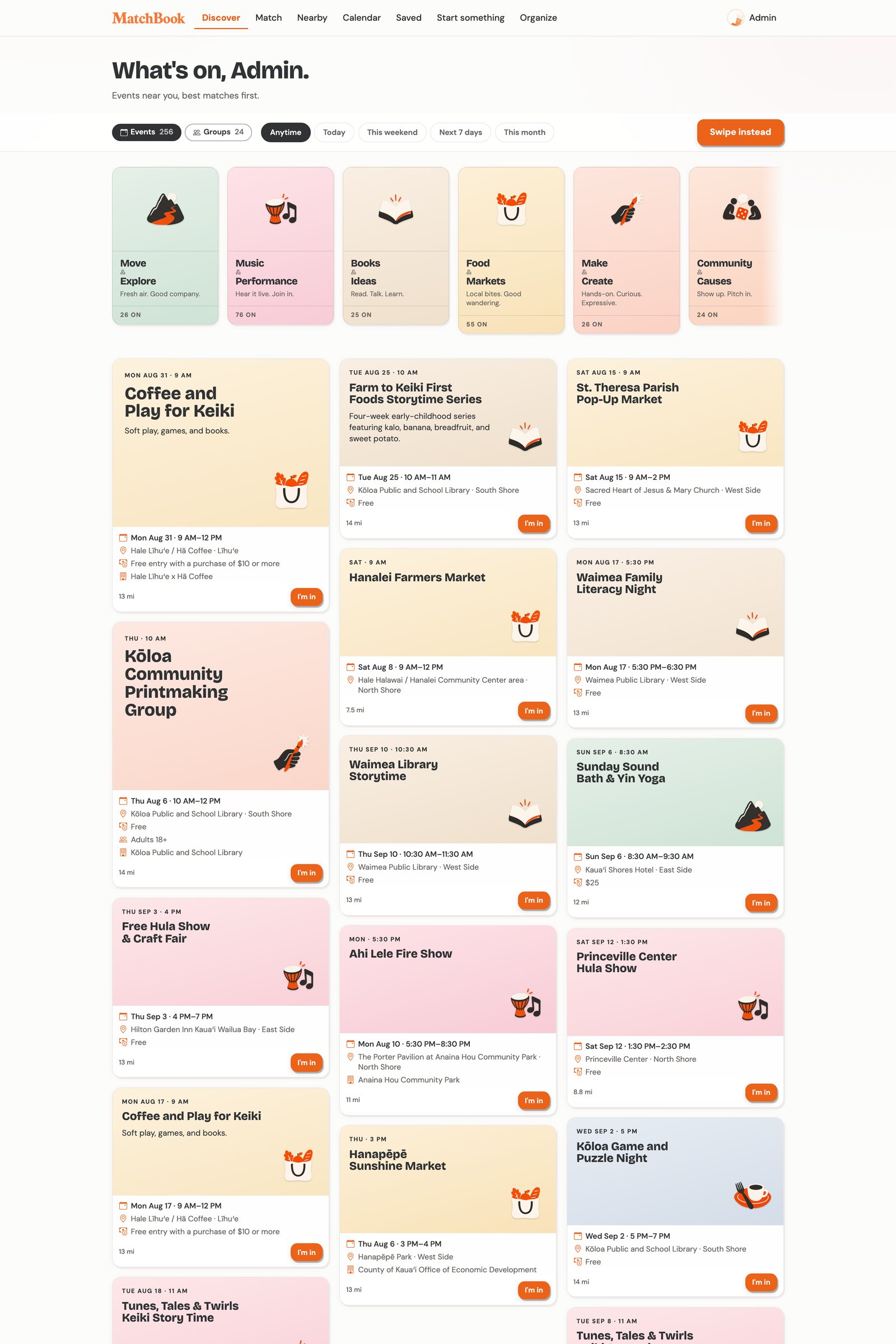
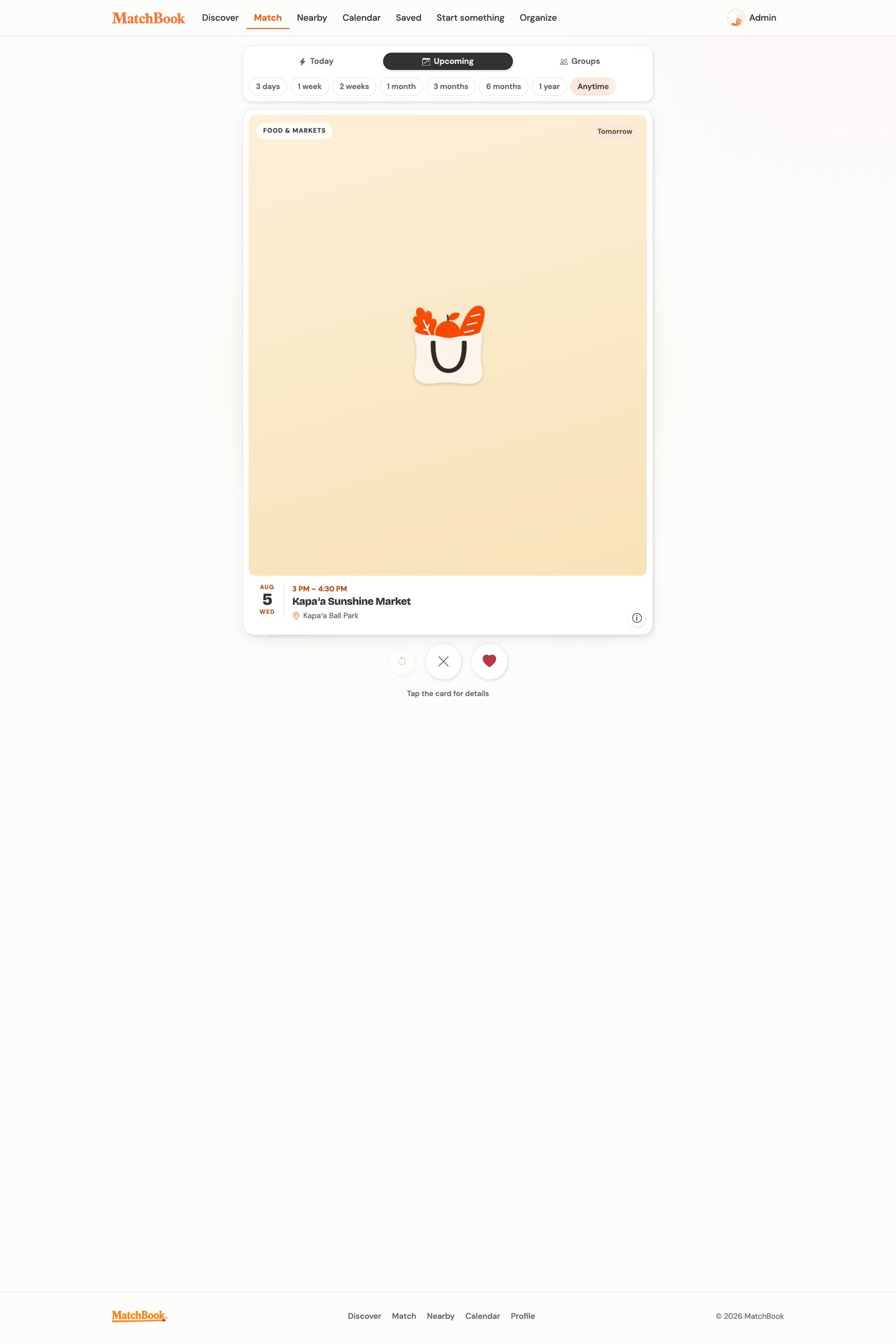
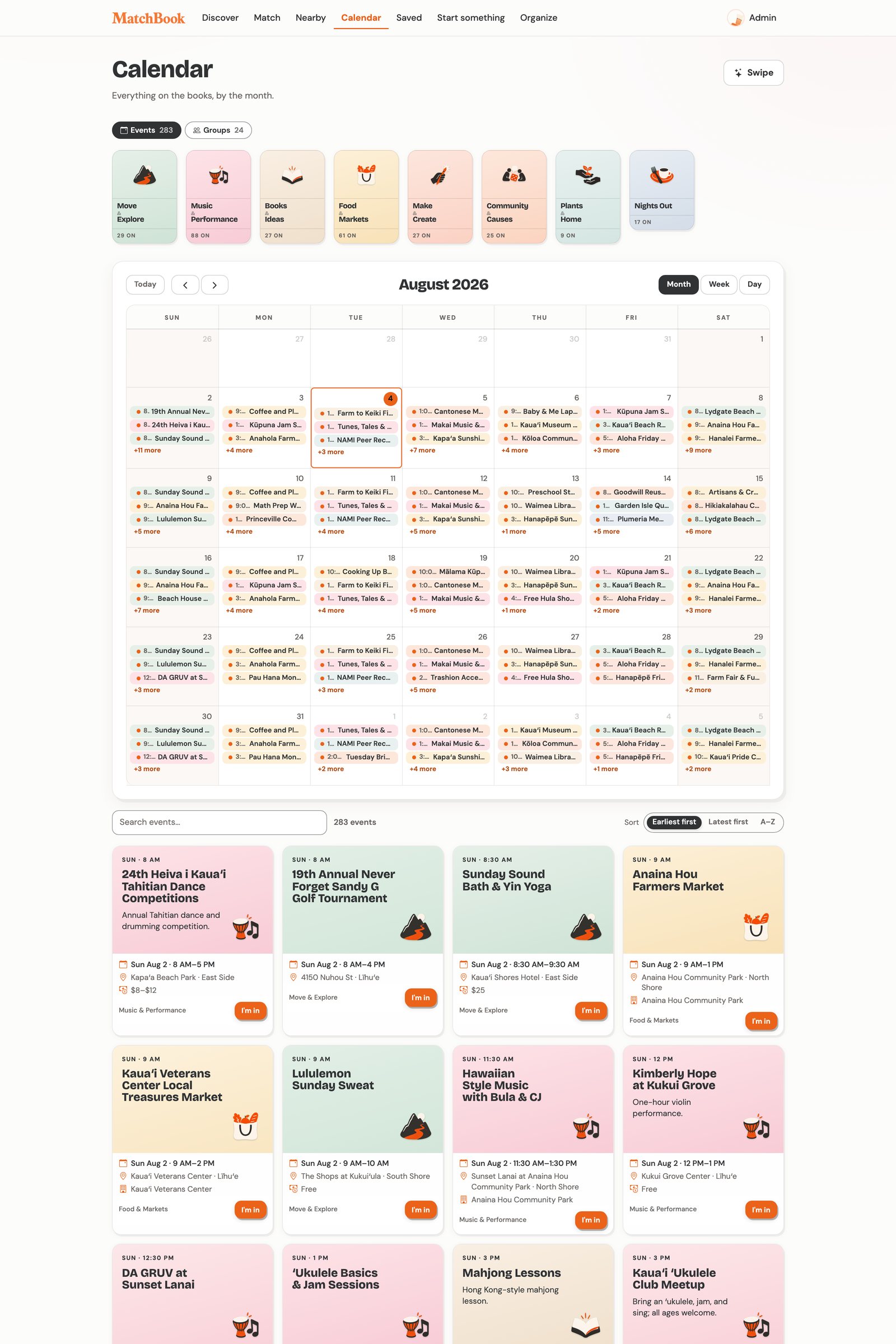
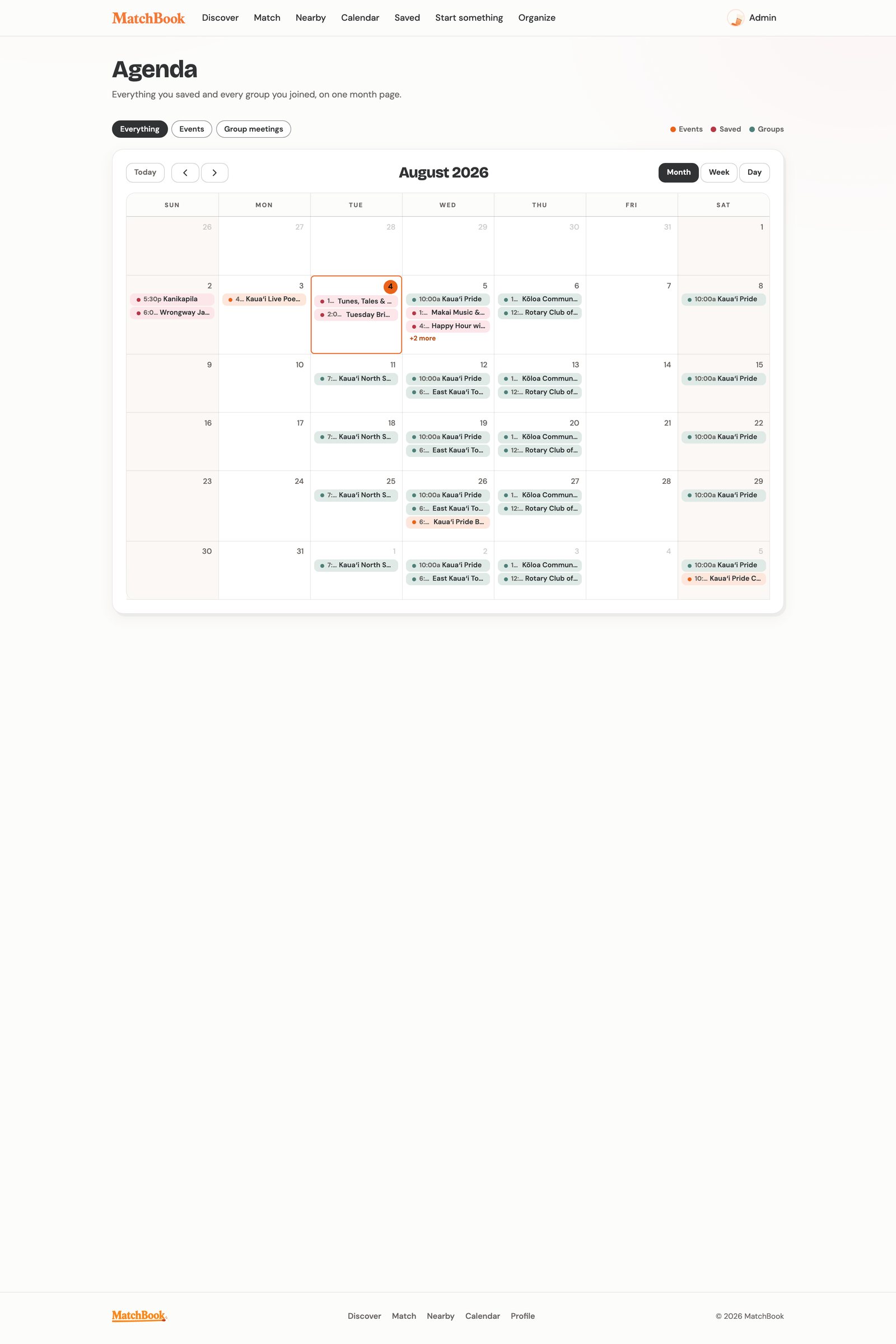
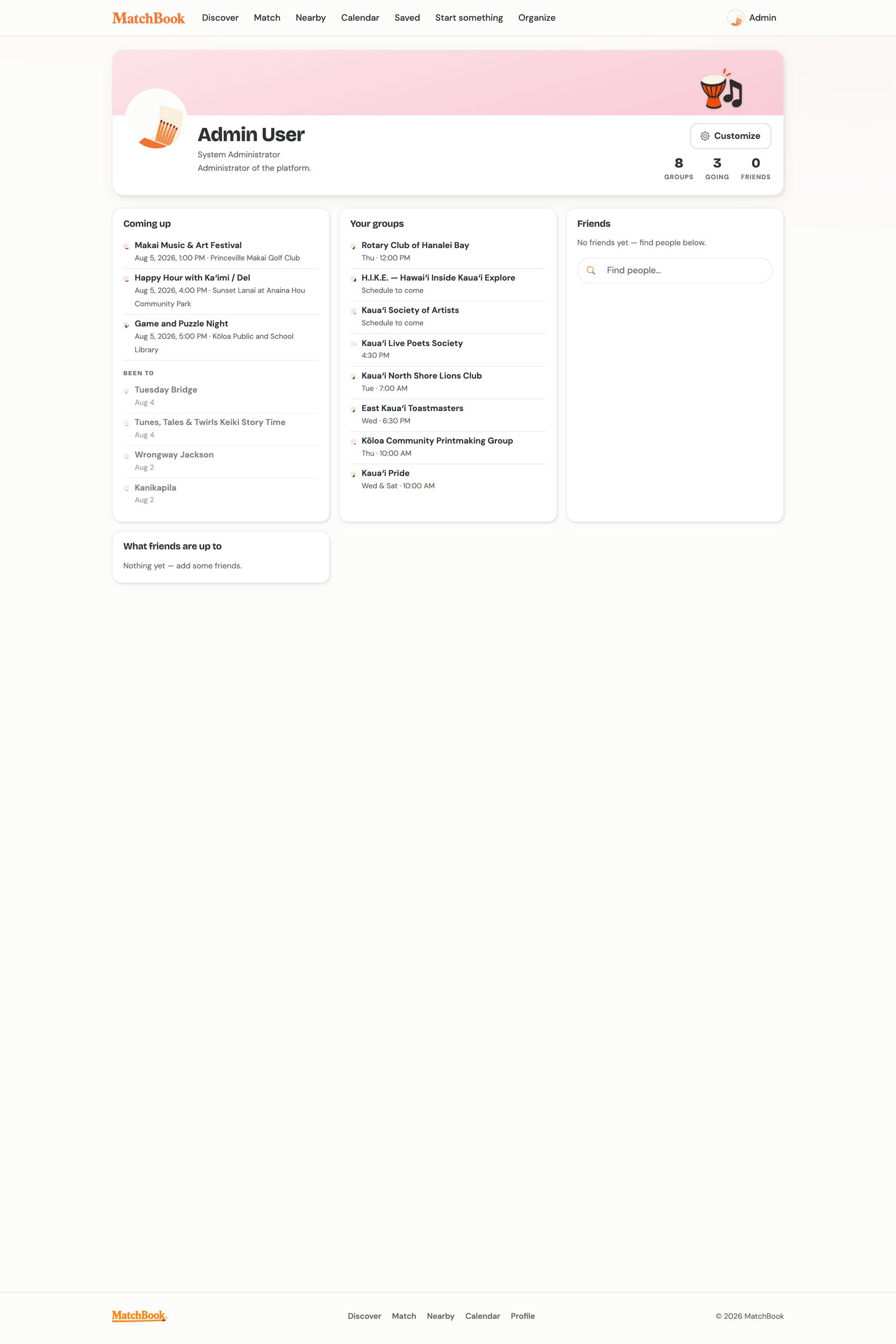
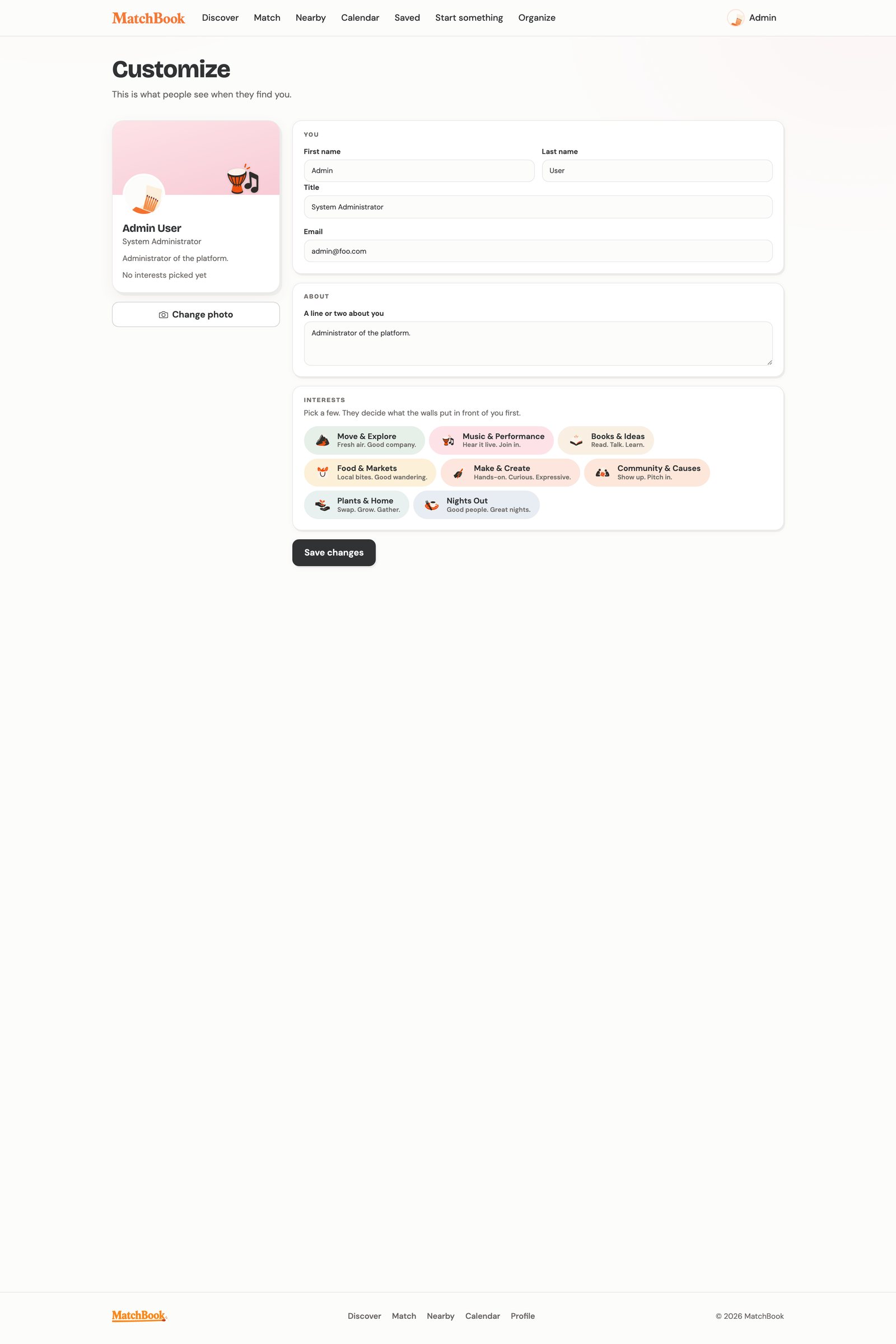
A drawn wordmark and topic illustrations give the product its warmth. Repeated visual cues help someone recognize a subject and find their way through the interface.

I liked the matchbook as a small, familiar thing associated with starting something. It gave the product a visual language of its own: a drawn wordmark, loose matches, and illustrations that make the pages feel like somewhere worth looking around.
A book, a musical instrument, or a bag of groceries can suggest what kind of event a card holds before someone reads every word. The same motifs recur across browsing and planning, helping people recognize topics as they move between views.
I wanted the warmth of a community noticeboard, with enough order to find what you came for.






Saving a listing is a small investment of attention. If its time, description, or cost changes, that saved reference should still lead to the same event. Stable identities let the directory refresh its information while preserving the person’s connection to it.
Directory sync identifies each listing by its source ID and updates the existing record. Saved-event and membership references continue to point to the same database identity.
A refresh can clear fields such as cost or registration notes when the published register no longer supplies them. An old price should not linger simply because it was once filled in.
React provides the interface, while Meteor subscriptions keep views connected to MongoDB records. Server methods validate user actions and check the permissions required to perform them.
Signed-in users can create events and groups, with a poster preview as they write. Editing existing listings and administrative review remain with admins in the current build.
Two parts of the newer development build support that goal: a source intake workflow with human approval before publication, and a recommendation service shared by Discover and Match.
Someone may plan an afternoon around a listing. A changed meeting time or missing registration detail needs to remain visible to the person preparing it for publication.
I built a separate TypeScript service that retains source material, extracts permitted fields, and creates internal candidates for review. An admin can inspect the proposed listing, resolve duplicate or classification questions, and approve the exact revision that will be published.
Repeated imports reuse unchanged source records. Material changes return candidates to review, and parser versions remain part of the processing history. The publication workflow retains its approval decision and can recover an interrupted attempt.
The publication boundaryAn imported candidate reaches the public directory only after its current revision and approval decision have been recorded.
Source settings control whether collection is permitted and enabled. Approved manual snapshots provide another route into the intake service.
Preserve source content and evidence, extract fields into a consistent format, and create a review candidate. Content hashes identify repeated material.
An admin checks the proposed fields, possible duplicates, and classification. The approval is bound to the revision reviewed.
The curator workflow checks the saved approval before updating the public listing. Failed attempts retain a status that supports recovery.
Interests make a useful starting point. They can also become a narrow one if the product keeps returning the same kind of thing. I want someone who comes looking for music to have room to notice a workshop, a volunteer morning, or a group they had not thought to search for.
A newcomer receives a baseline order of eligible listings. Selecting interests or joining groups gives the ranking service more context. Each optional scoring component contributes only when the required information exists, and the weights are recalculated across the available components.
Discover’s poster grid and Match’s swipe deck use the same server service. If adaptive ranking fails, the server can return the baseline; if the service is unavailable, the views retain their simpler local ordering.
Exclude events marked canceled, private, unlisted, sold out, or unpublished, along with events that are past or have no usable date. Pass and undo decisions also affect the default selection.
Rank eligible listings by time proximity, record completeness, and freshness, with a stable tie-breaker. An empty profile still has a starting order.
Topic overlap, stated preferences, group memberships, and relevant direct connections can contribute to the score. Missing inputs leave a component out of the calculation.
A final pass spreads attention across hosts and topics, moving repeated hosts or topics further down the results when other eligible options are available.
The ranker runs inside the existing Meteor server and uses MongoDB records for its recommendation inputs and history.
Actions are appended to a history, while separate records hold the current state used by the interface. Repeating a request with the same user and client event identifier returns the existing action. Tracking failures leave saves and group actions available.
The feed records an impression after at least half a card is visible for one second. Match records only the active top card. Saving can still mean “maybe”; clearer RSVP and attendance signals are needed before those outcomes support model evaluation.
Building MatchBook has brought me back to how much can sit between an invitation and a decision. A person may need the right date, a little more information, or simply a way to remember something that caught their attention.
I want the product to be considerate of those small hesitations. It should help someone find their way to what is already happening around them, with enough information to feel comfortable taking the next step.
That is the experience I’m working toward: someone finds something they would otherwise have missed, makes room for it, and has a reason to go.